Our Database
Rostering at C3 Belconnen is on a term by term basis. Department heads will release each roster a couple of weeks before it starts.
Once you have completed your Safe Church checks and been allocated a team you'll be sent a log-in to the Elvanto database that we use for all our rosters, service planning, event registration and personal data storage.
Once you have a logiin click link below to access Elvanto.
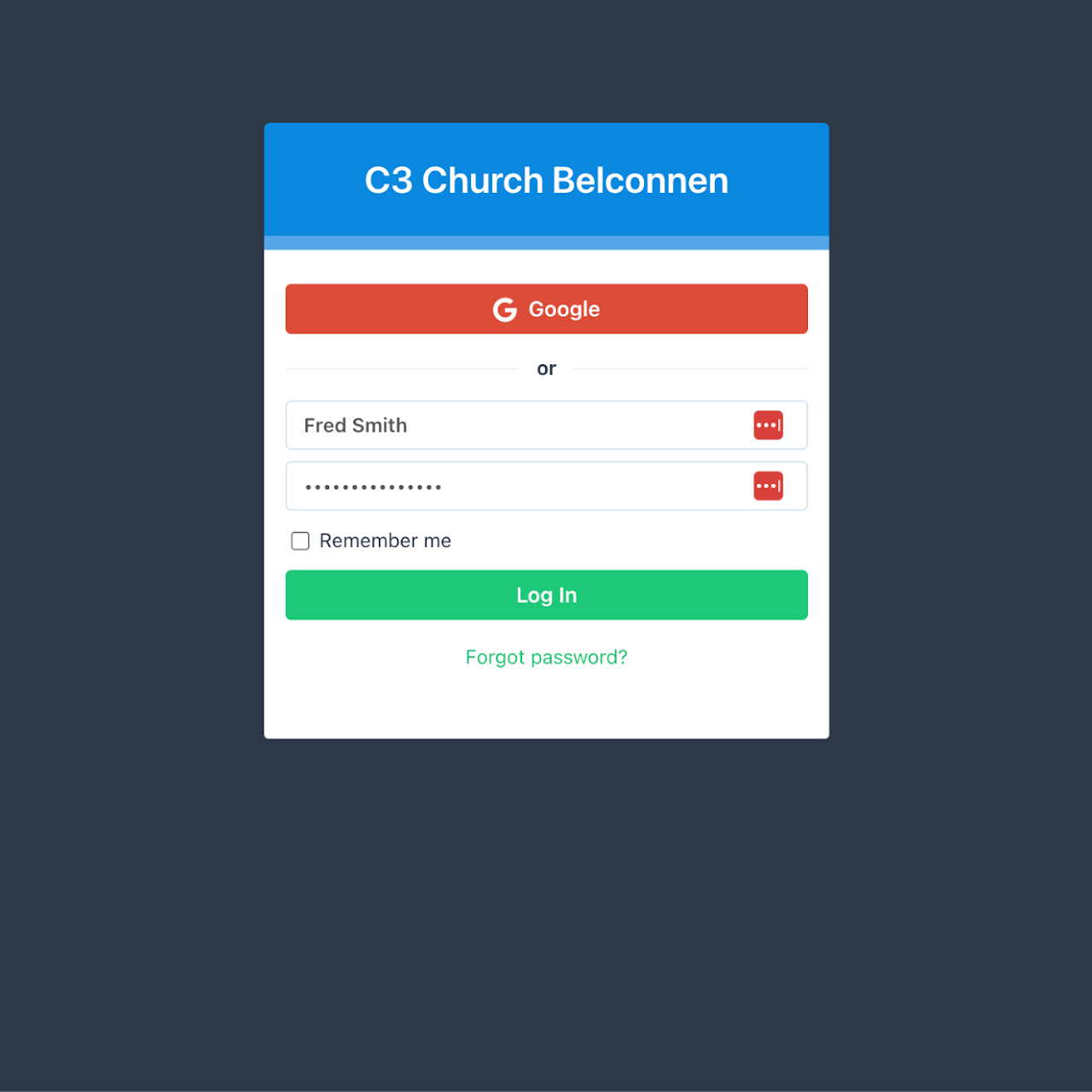
Log in to Elvanto using the log-in details provided to you by the office. If you do not have log-in details or have troubles reach out the office at office@c3belconnen.org.au or 6253 5111
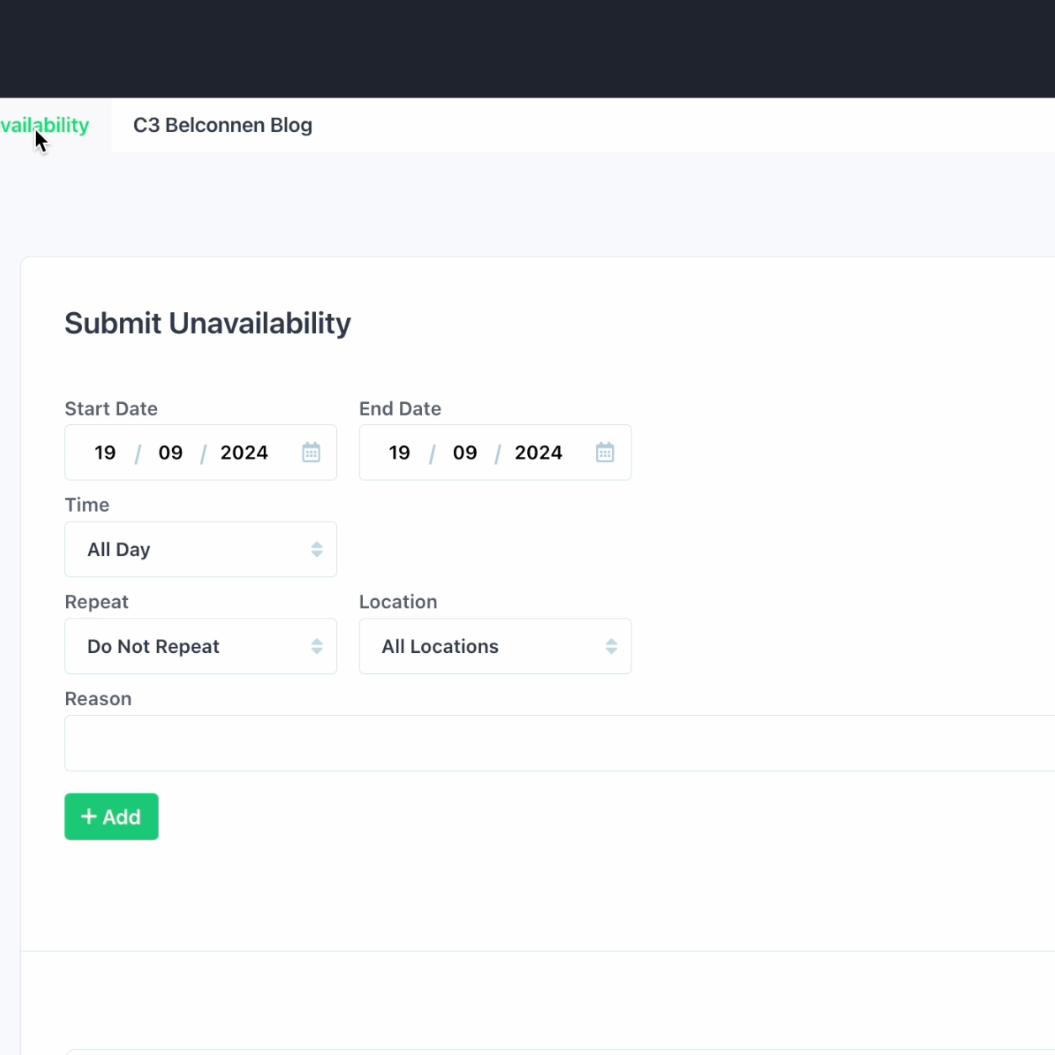
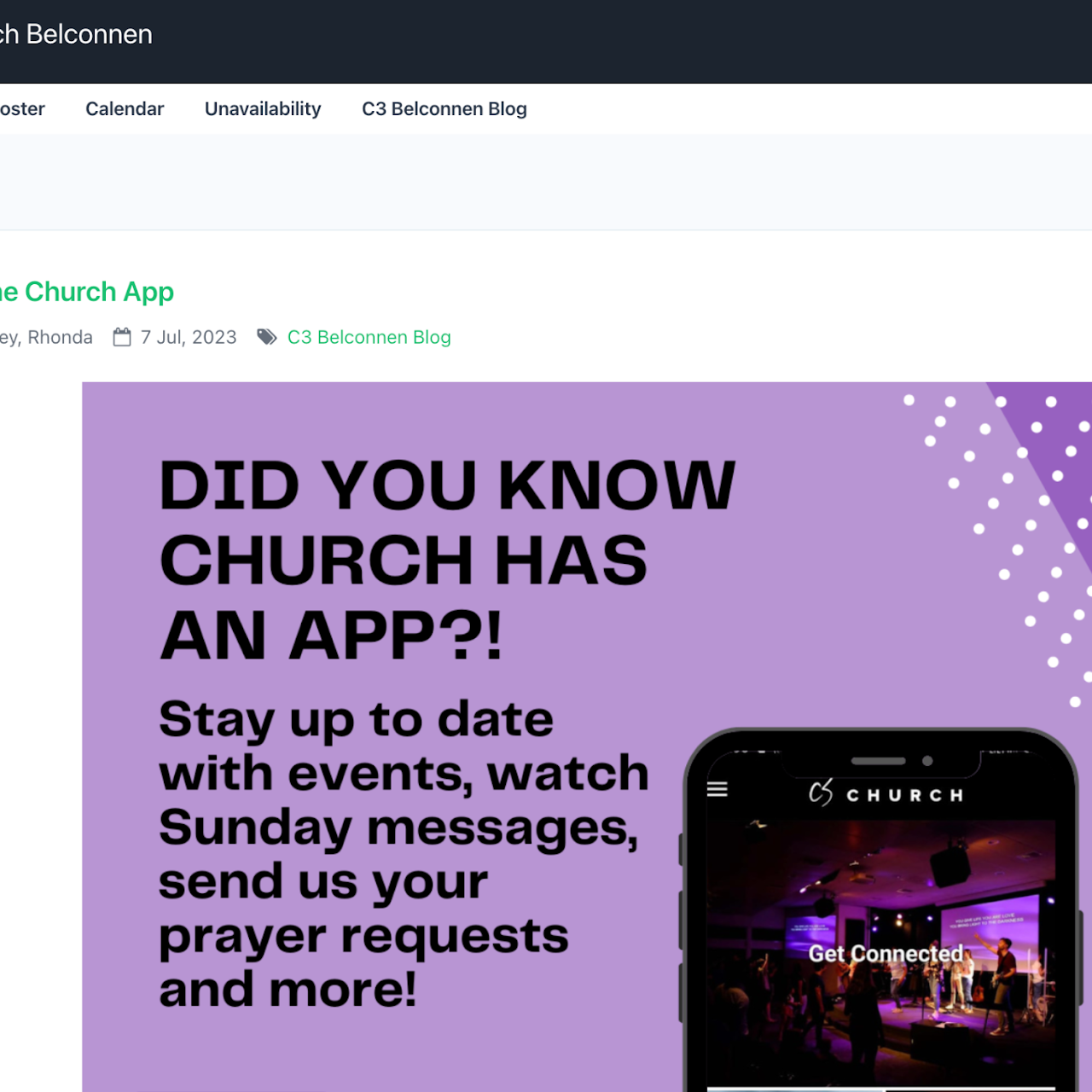
Once you are logged in click the'unavailability' tab located at the top of the page.
Click on the date you are unavailable to serve on. You can add unavailability for yourself or your whole family, and you can add multiple days by using the green 'add' button (just make sure you click 'submit' once all your dates are recorded.)